5 Practical Strategies for Enterprise AI Adoption: Address Employee Resistance Before Pushing OKRs
Enterprise AI adoption is a change-management process that addresses employee resistance before tool selection. By starting with two high-friction workflows and aligning expectations with real timesheet data, we solve the problem of SMBs adopting AI only to have it silently rejected inside the team.
We’ve helped dozens of companies under 50 employees adopt AI. The most common failure story isn’t “AI isn’t strong enough” — it’s “the boss pushed fast, employees quietly pretended not to see.” The meeting concluded “the whole company will use AI” and three months later fewer than two people opened the tool daily.
This article lays out 5 field-tested strategies, each drawn from real adoption efforts we’ve stumbled through and rebuilt. If you’re still at “should we write an AI policy first?” stage, this can save you 2–3 months of trial and error. For a deeper postmortem of common pitfalls, see 5 Reasons AI Adoption Fails.
McKinsey’s 2024 “The state of AI” report found that fewer than 30% of enterprises actually see EBIT impact after adopting AI, and the top reason adoption fails is not technology but organizational and workflow redesign — see https://www.mckinsey.com/capabilities/quantumblack/our-insights/the-state-of-ai. Harvard Business Review also warns that employee resistance to AI is rooted not in fear of AI’s power, but in fear of being replaced and surveilled — see https://hbr.org/2024/04/research-how-employees-feel-about-ai.
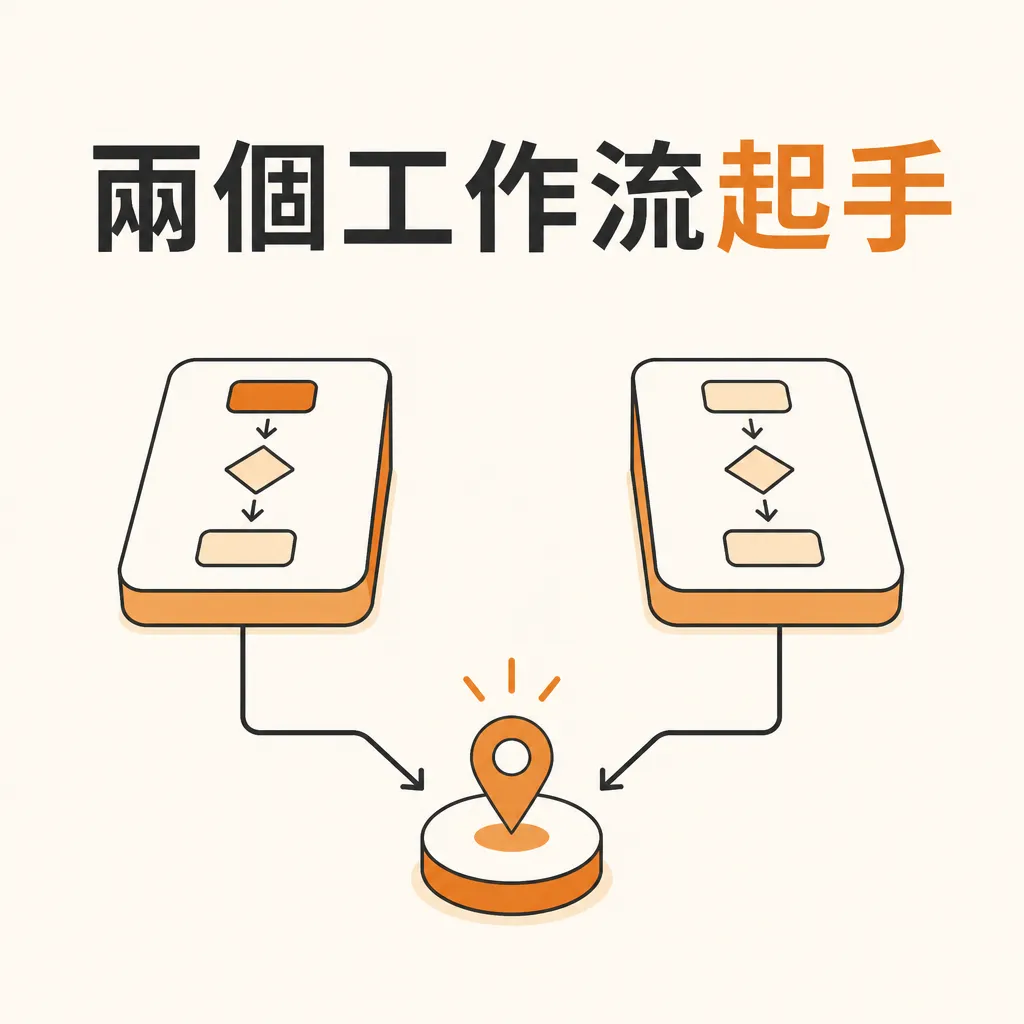
1. Pick Two Workflows First — Don’t Roll Out Company-Wide at Once
Strategy: Pick 2 high-friction, low-risk workflows and let 3–5 people use them for 30 days.
Why it matters: Pushing AI company-wide means nobody owns the outcome. When every department is told to “embrace AI,” none of them actually hands over a workflow for redesign.
Field tactics:
When picking the workflow, ask three questions. First, does someone spend time on this daily or weekly? Second, do people often complain it’s “repetitive and boring”? Third, does a mistake immediately cause a customer complaint? Yes/Yes/No is a good starting point.
The two workflows we most often start with are: initial customer-service reply categorization, and meeting summaries with action-item extraction. The first has daily volume and exhausted employees; the second is cross-departmental, and the only downside of an error is rewriting the notes.
In the first month, only 3–5 volunteers use it. Collect feedback weekly. No KPIs, no OKRs, no dashboards. Ask just two questions: “How much time did this save you this week?” and “Which step do you still review manually?”
After 30 days, decide whether to replicate to the next team.
2. Talk With Real Timesheet Data — Not With “The Future”
Strategy: Measure baseline hours before adoption, measure again after, and persuade using the gap.
Why it matters: Employees are numb to “AI will help you,” but very sensitive to “last week you spent 9 hours on meeting notes; with AI it now takes 1.5.”
Field tactics:
In the week before adoption, ask participants to log baseline hours for the target workflow using a simple timesheet. A Notion table, Google Sheet, or even paper works. We usually ask them to log three fields: start/end time, output volume, and self-assessed bottleneck.
Re-measure in week 2 and week 4 after adoption. If AI is truly helping, the time drop will be obvious — typically 40–70%. If there’s no drop, the issue is tool or prompt configuration, not employee skill.
Turn the before/after comparison into a simple internal share. Don’t dress it up; don’t lead with the ROI number — instead, explicitly list “the number of times AI errors required rework.” Honest numbers persuade middle managers more than polished slides.
For a more systematic ROI estimation, see the hours × hourly rate × months structure in AI Adoption ROI Calculation.
3. Surface Employee Fears — Don’t Walk Around Them
Strategy: Hold a meeting that openly names “Will I be replaced?” — not yet another AI training.
Why it matters: The biggest source of employee resistance to AI isn’t “don’t know how to use it” — it’s “don’t dare ask.” They’re afraid asking marks them as “the person blocking progress,” afraid showing they don’t know will get them looked down on, afraid of being added to the “next round of optimization” list.
Field tactics:
The owner personally hosts a 60-minute meeting titled “We’re adopting AI — what worries you most?” No external speakers, no PPT, no sign-in sheet.
The owner opens with three statements:
First, “We’re adopting AI so the same headcount can do more — not to cut headcount.” If you can’t say this, the rest of the meeting is theater.
Second, “I’m still learning too. For the next 30 days I’m spending 30 minutes a day practicing prompts.” Show with concrete action that the owner isn’t just talking.
Third, “The AI tools you’ll use this month — the company pays. If something doesn’t work, tell me, and I’ll talk to the vendor.” Take the logistical burden, and employees will open up.
For the next 45 minutes, let employees speak in turn. Don’t respond on the spot, don’t explain, don’t say “you misunderstood” — just write down what they say. Within one week after the meeting, the owner replies to each speaker by Email, addressing each item: “Here’s our response, and here’s when we’ll act on it.”
The middle manager’s role is even more critical. Sandwiched between the owner’s “go fast” and employees’ “don’t want to move,” they easily disappoint both. Pair this with The AI Adoption Playbook for Middle Managers for a step-by-step they can follow directly.
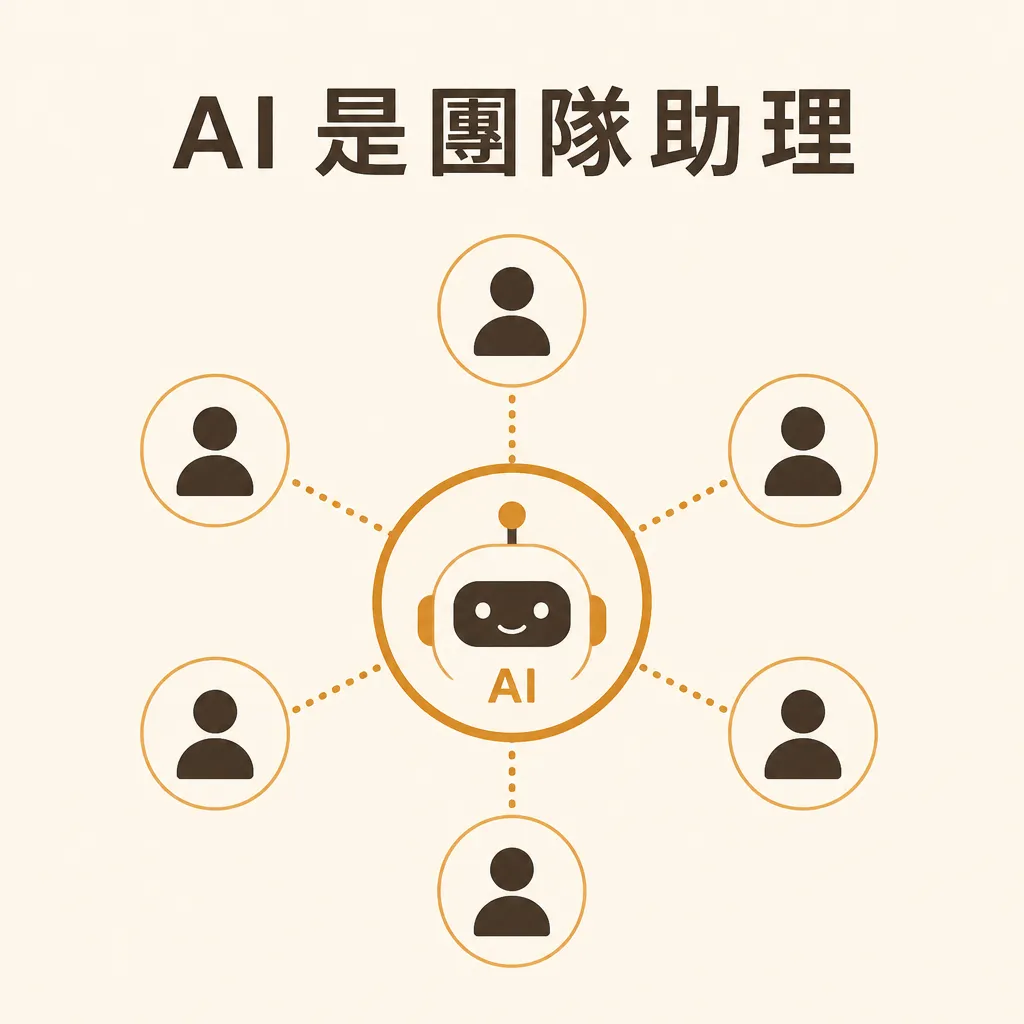
4. Design AI as a “Team Assistant,” Not an “Individual Plug-in”
Strategy: Build one shared AI assistant visible to everyone — not let each person install their own ChatGPT.
Why it matters: When each person installs their own AI, it ends up “those who know quietly use it, those who don’t never touch it.” The company accumulates zero process assets.
Field tactics:
Build one shared AI assistant responsible for 3–5 clearly defined tasks: customer reply drafts, meeting summaries, SOP lookups, quote calculations, Email drafts. Each task has a fixed prompt template stored in a shared space (Notion / Google Drive / internal wiki).
Why prompt templates? Because “how you ask the AI” decides 80% of quality. Letting employees figure out prompts on their own means handing the cost of bad output to them. Templates should be written by someone who understands AI; employees only need to fill the fields.
For tooling, the most realistic option for SMBs right now is to package internal knowledge (SOPs, product specs, customer FAQs) into one AI assistant using Claude Skills + MCP, then give everyone access through a single entry point. For a live example of an internal AI assistant in production, see the service description on the AICycle homepage.
Hold a 30-minute prompt review every month. Share what worked publicly, refine what didn’t. This small ritual turns AI from “a personal trick” into a “company asset.”
5. Loop Back and Measure ROI — Not Just “Hours Saved”
Strategy: At day 90, calculate revenue lift vs. hours saved, then decide whether to scale up.
Why it matters: Six months after adoption, many owners say “saved a lot of time” but can’t quantify revenue impact. The CFO asks one question and the budget gets cut.
Field tactics:
At day 90, pull together these numbers:
First, hours saved. Before/after hour gap × hourly rate × months, giving an annualized savings figure. Second, capacity released. Was the freed-up time actually spent on something? Taking more cases, contacting more customers, or just leaving earlier? The first two count as revenue; the third counts as employee happiness (still valuable, but not ROI). Third, error rate. Did errors rise or fall after AI took over? Multiply by the rework cost per error (rework hours + customer compensation), counted as negative. Fourth, tool and subscription cost. Claude / GPT API, external SaaS, training time, IT maintenance — all deducted.
First plus second minus third minus fourth equals real 90-day ROI. If positive but < tool cost × 3, optimize the existing workflow before scaling. If > tool cost × 3, replicate to the next team.
For a more detailed ROI formula split into cost, time savings, and order value, see the calculation structure in The Complete AI Customer Service ROI Formula.
AI adoption isn’t a technology decision — it’s a 90-day organizational learning curve. If you give employees 30 days to try and learn alongside them, adoption goes smoothly. If you give them 7 days and announce “the whole company starts using AI next month,” 3 months later you’ll be back to PowerPoint.
FAQ
Q1: How long until I see results from AI adoption?
Usually 30–90 days. Day 30: are hours dropping? Day 60: can it replicate to a second workflow? Day 90: revenue impact starts to show. Demanding ROI in under 30 days is pressure, not a deadline.
Q2: Employees just won’t use it — what do I do?
Confirm three things first: Is the owner personally using it 30 minutes a day? Is the company paying for the tool? Has there been a “Will I be replaced?” conversation? If all three are yes and employees still won’t use it, that’s not an AI problem — it’s an organizational trust problem.
Q3: Write an AI policy first, or roll out tools first?
Roll out 2 small workflows for 30 days first, then write the policy. Writing a policy without hands-on experience produces a document of “don’t input confidential data” bans — a piece of dead text that becomes an obstacle to later deployment.
Q4: SMBs without budget for outside consultants?
Spend the budget on tool subscriptions and internal practice time. Hire a consultant for 1–2 workshops to align direction — that’s enough. Give the remaining 3 months of implementation to internal trial and error. It beats spending $50K on a six-month consulting study.